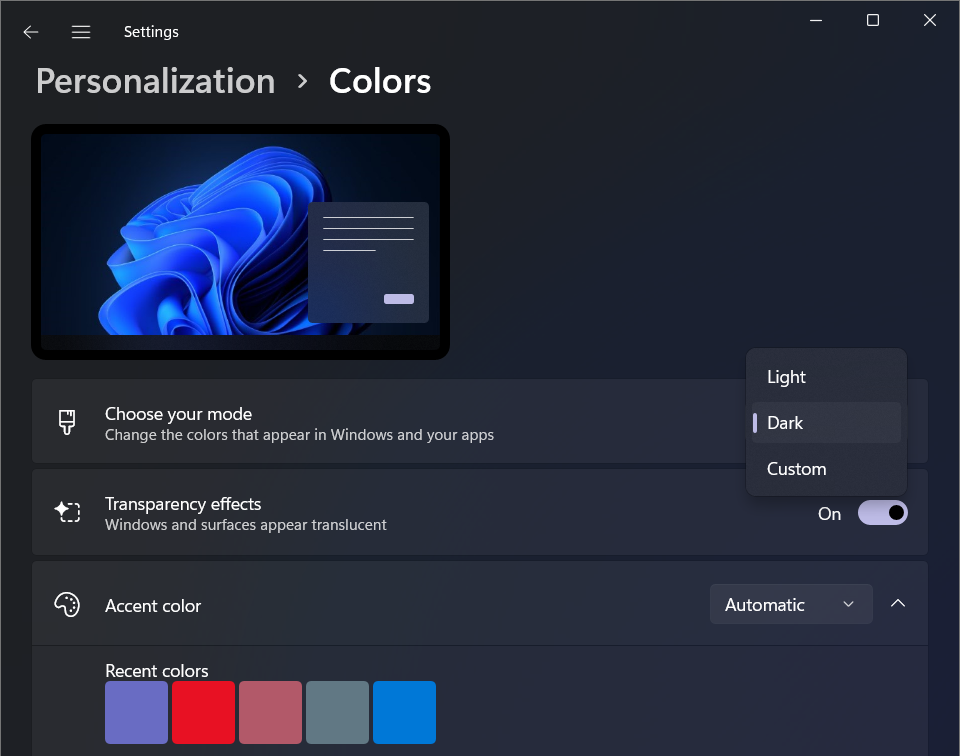

amynicole – Dark mode has been a popular feature for many users, but Windows has struggled with inconsistent implementation. Since Windows 10 introduced dark mode in 2016, some UI elements and dialog menus remained stuck in light mode. This contrast often caused buttons and menus to stand out awkwardly on dark backgrounds.
Read More : Democrats Challenge Legality of Trump’s Cut on Nvidia Chip Sales
The latest Windows 11 Insider preview build, version 26100.5061, brings significant improvements. It enables dark mode support for several dialog menus that previously ignored the dark theme. These include menus used for deleting multiple files and the copying files progress menu. Until now, these menus showed a bright, light background even when the rest of the system was in dark mode.
This update means users will experience a more cohesive look when using dark mode. Buttons and interface elements will blend better with the overall theme, reducing the jarring light patches that have persisted for years. However, the changes are limited to certain dialogs, and some elements, like the Continue and Skip buttons, still remain in light mode for now.
Microsoft has not officially explained why it took so long to fix these inconsistencies. Compared to Windows, macOS has offered more consistent dark mode support for a longer time. The improvements in this Insider build suggest Microsoft is responding to growing user demand for a polished dark mode experience as Windows 10 approaches its end of support.
What These Dark Mode Changes Mean for Windows Users
Although the dark mode fixes are not yet available in the stable release, they hint at a broader effort by Microsoft to refine Windows 11’s interface. As more users upgrade to Windows 11, these small UI improvements will help make the transition smoother and more visually appealing.
The update currently applies to a few key dialog menus, but it shows Microsoft’s willingness to address longstanding design issues. The fact that some buttons still remain in light mode indicates that the rollout of dark mode support is incremental. Users can expect further improvements in future updates as Microsoft continues to polish the experience.
The enhanced dark mode support will improve usability, especially for users who prefer working in low-light environments or those sensitive to bright screens. Consistent theming reduces eye strain and creates a more immersive and comfortable user experience.
Read More : Perplexity Targets Browsers, Bidding Before Chrome Launch
As Windows 10 nears retirement, Microsoft seems motivated to fix these lingering interface quirks in Windows 11. This move could reassure users that the newer OS is stable, modern, and designed with user preferences in mind.
In summary, the latest Insider build marks an important step toward a fully integrated dark mode in Windows 11. While not perfect, these changes show progress and signal more refinements are likely. For users who value dark mode, this update offers a glimpse of a more polished and user-friendly Windows environment in the near future.